Personalise Windows with your own interface
As far as Windows customisation tools go, this is definitely one of the better ones out there and that's saying something.
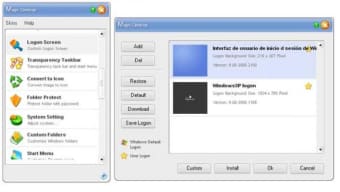
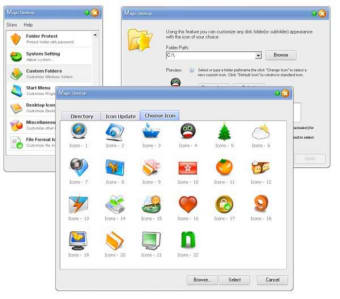
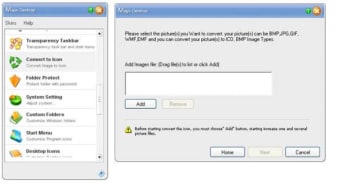
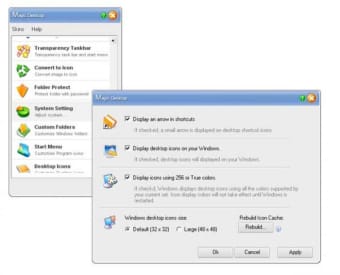
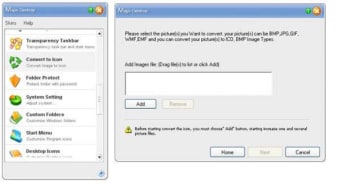
There's lots to argue in it's favour not least it does the job without creating any conflict with your system which is the usual problem. Magic Desktop provides over 2400 icons with which you can change your entire operating system so you're not going to get bored in a hurry. You can replace system icons, the start menu, disk drive icons, files and applications, and much much more. For example, you can create shortcuts that actually animate on the desktop, change the color of Windows, change the home screen, alter the transparency of the taskbar and even add a background image to it. The icing on the cake is that, if you don't like the icons suggested by Magic Desktop, you can actually create your own using your own images.
Ease of use, lots of options and some great Windows effects make this a superb tool for anyone that's bored of Windows but doesn't want to buy Vista.